LiveScope 2 vs ActiveTarget 2 XL for Saltwater: Range, Coverage and Setup
Choose between these systems by supported displays, viewing modes and a saltwater demonstration. Their headline range figures do not describe an equal test in the same water.
The quick answer
Start with LiveScope 2 if a compatible Garmin display and direct-connect installation fit the boat. Start with ActiveTarget 2 XL if a supported Lowrance helm and its wider-view modes solve your fishing task. No matched saltwater trial in this package establishes an image-quality winner.
Affiliate disclosure: As an Amazon Associate I earn from qualifying purchases. Read the disclosure. Amazon links on this page are model searches; match the exact package before ordering.
Quick picks
How we chose
Research basis: This is a researched buying guide, not a hands-on test. Manufacturer documents support specifications; recommendations and evaluation routines are editorial judgments. No matched sea trial or catch comparison is claimed. Exact regional offers and installation compatibility still need checking before purchase. About ReefReadyGear and its editorial standards.
- Compare the complete installation against the intended fishing job.
- Keep published limits separate from demonstrated performance.
- Identify compatibility and evidence gaps before making a purchase.
Find your situation
| Your priority | Starting point | Verify before buying |
|---|---|---|
| A compatible Garmin installation without a separate sonar black box | Garmin LiveScope 2 LVS44 | Freshwater qualification, display support and power routing |
| A supported Lowrance helm and wider viewing modes | Lowrance ActiveTarget 2 XL | Display model and single-versus-dual-system hardware |
These are editorial starting points. The detailed sections below explain the evidence and limits.
Specifications that matter
| Option | Published specification | Purchase check |
|---|---|---|
| Garmin LiveScope 2 LVS44 | 600–1,050 kHz; published 250-foot maximum; direct connection to compatible display and power | Freshwater qualification, display support and power routing |
| Lowrance ActiveTarget 2 XL | Published 200-foot maximum; 180° views; dual-system requirements for 360° Scout | Display model and single-versus-dual-system hardware |
Specifications: Garmin LiveScope 2 LVS44; Lowrance ActiveTarget 2 XL. Maximum figures are manufacturer claims, not results measured for this guide.
Products in detail
Garmin LiveScope 2 LVS44
Check Garmin LiveScope 2 LVS44 on Amazon
Model search, not a verified offer. Check the seller, exact components and availability.
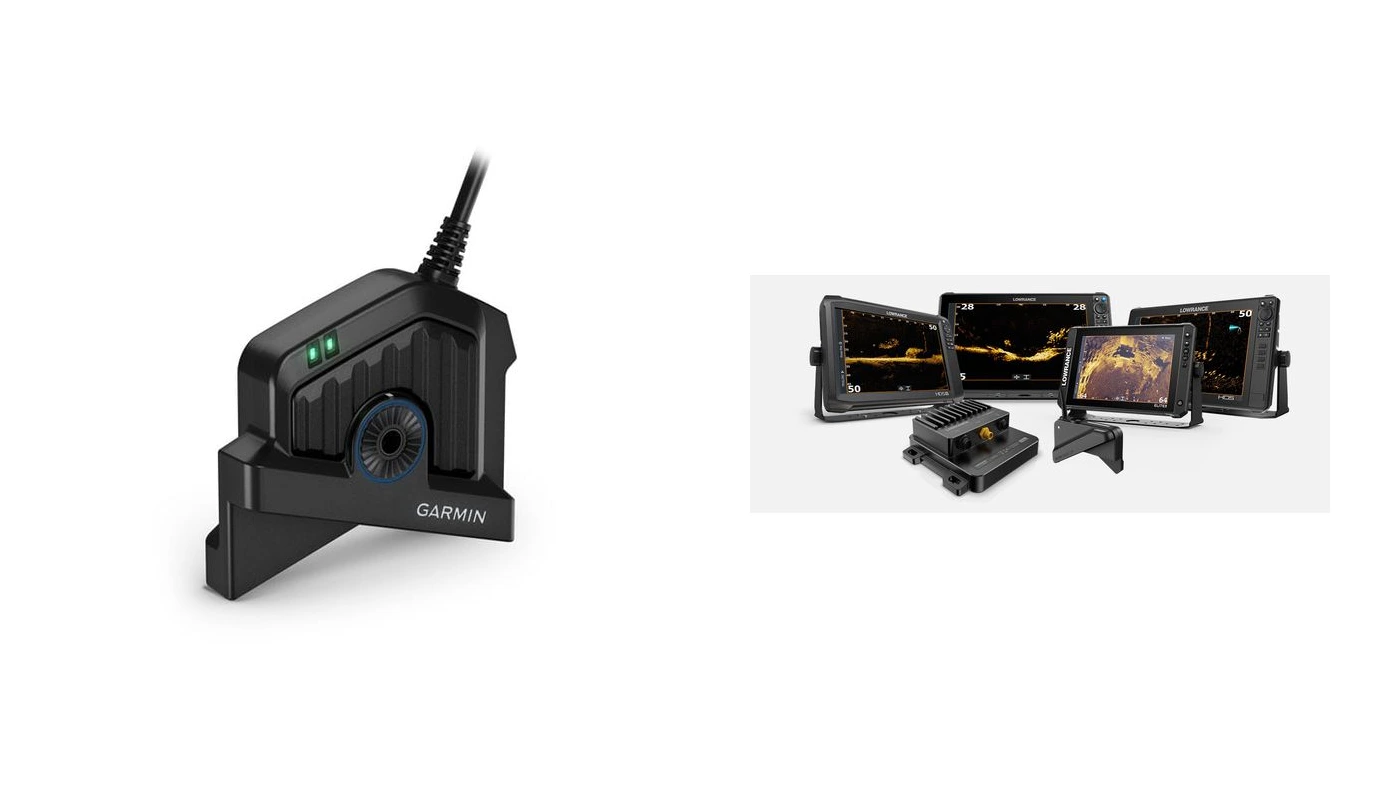
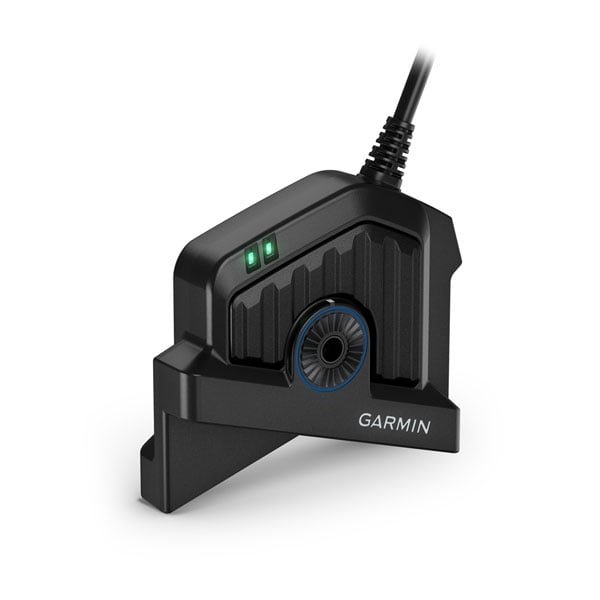
LiveScope 2 connects to a compatible Garmin display and power source without a separate black box. Garmin’s product page describes bottom tracking to 250 feet in freshwater; the manual also says range depends on salinity, bottom and water conditions. Neither statement establishes a 250-foot saltwater lure-tracking distance.
Manufacturer specifications and package information
Pros
- One fewer separate sonar module to locate than the XR system.
- Forward, Down and Perspective viewing modes.
Trade-offs
- The headline range is not a verified saltwater target-recognition result.
- An existing Garmin display still needs an exact compatibility check.
Buying verdict: Choose it when the direct-connect arrangement and demonstrated useful range fit your normal fishing distance.
Lowrance ActiveTarget 2 XL
Check AT2 XL + module on Amazon
Model search, not a verified offer. Check the seller, exact components and availability.
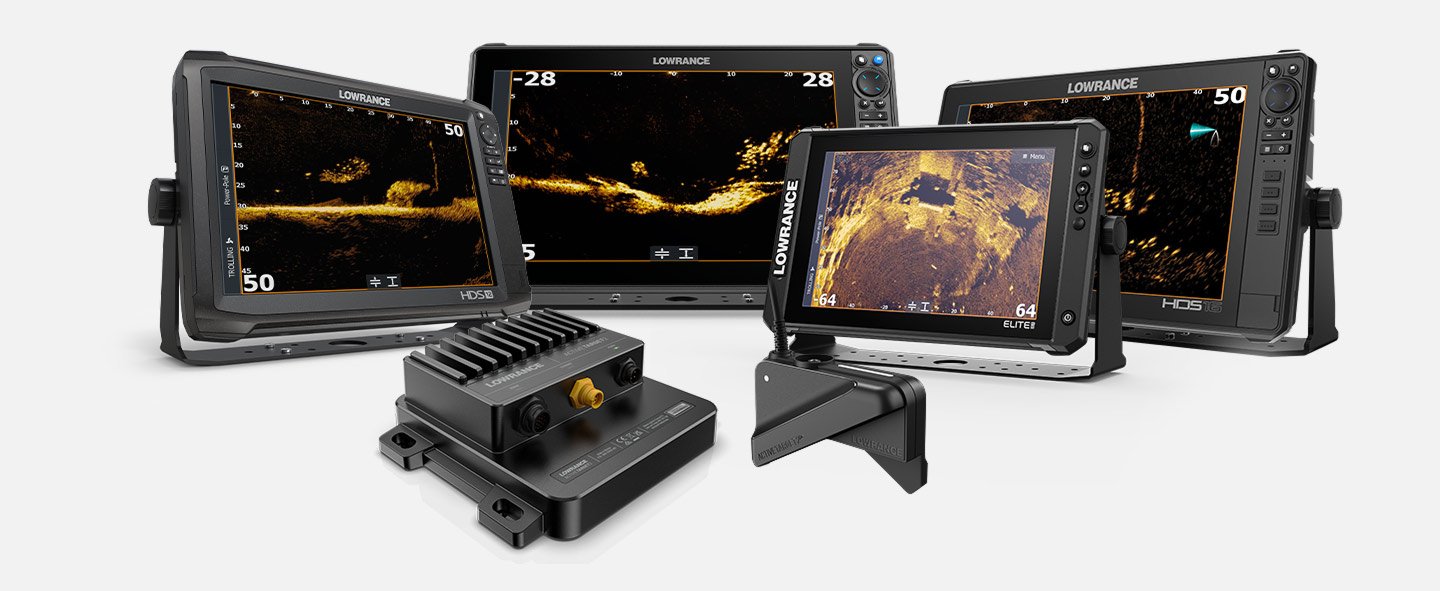
ActiveTarget 2 XL offers 180-degree views, while the full 360-degree Scout arrangement needs two transducers, two modules and HDS Pro. Lowrance’s specification lists a 200-foot maximum. Do not convert that unqualified figure into a saltwater performance result or price the dual-system benefit using one kit.
Manufacturer specifications and package information
Pros
- A relevant choice for an existing supported Lowrance display.
- The wider-view options can be evaluated against a specific fishing method.
Trade-offs
- The 360-degree arrangement changes both cost and installation space.
- Published maximum range does not replace a matched saltwater demonstration.
Buying verdict: Choose it when its viewing modes solve a real task and the exact display and hardware configuration are affordable.
Compare range claims under the stated conditions
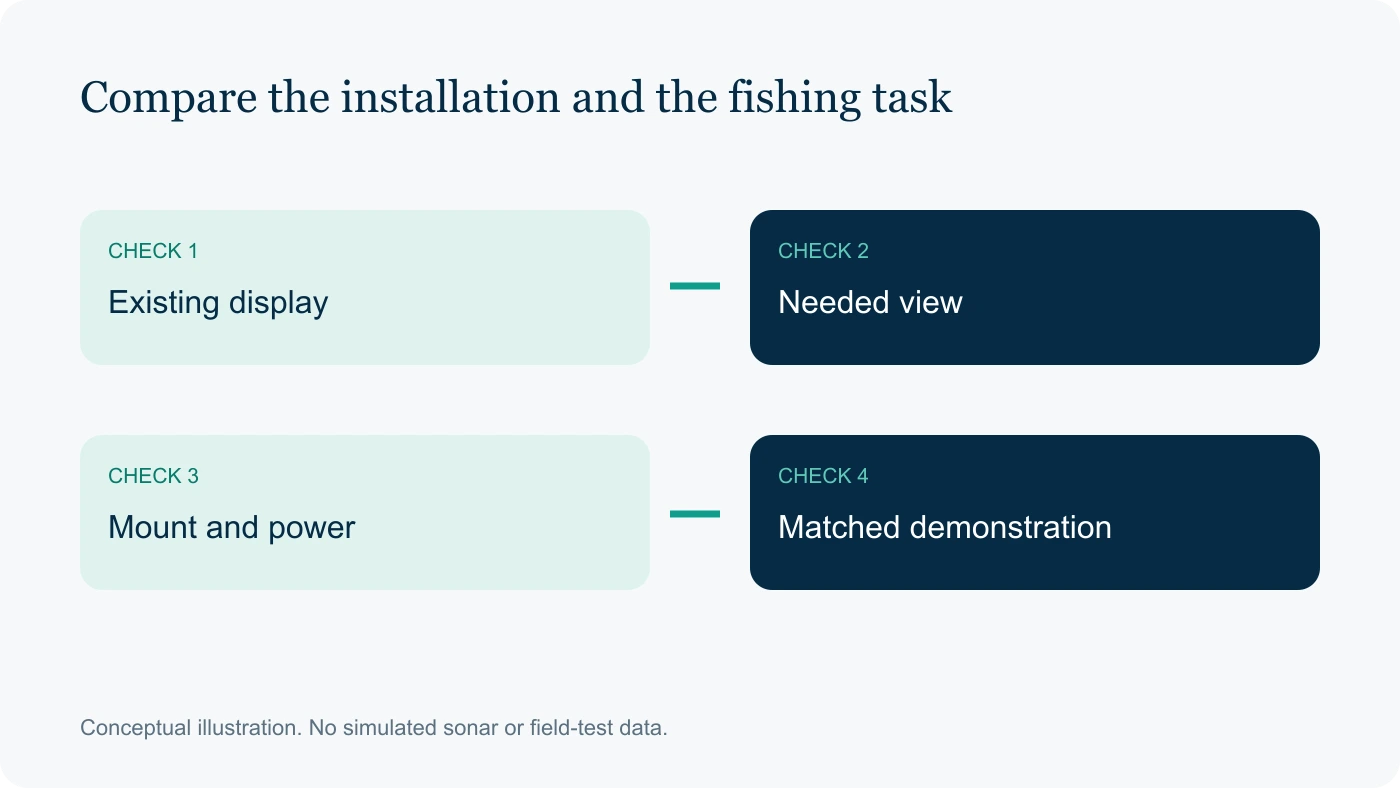
Garmin qualifies its 250-foot bottom-tracking claim as freshwater on the LVS44 product page. Lowrance lists a 200-foot maximum in its specifications. Those numbers should not be ranked as if both measured the same saltwater target under the same settings.
Ask a demonstration to distinguish seeing bottom, seeing a bait school and following a small lure. The useful distance for your job is the distance at which you can interpret the required target, not merely the farthest range available in the menu. Keep salinity and water conditions with any result.
What the available evidence establishes
The linked specifications identify the equipment and its stated limits. They do not establish a controlled performance comparison on your boat. Use the suggested checks to resolve the purchase decision, and keep any future observations tied to their settings and conditions.
Choose the viewing mode for the presentation
Forward and Down views serve different orientations; a wider view is useful only if it covers the water you need to inspect. Rehearse how the transducer will be aimed during the intended fishing method, including how quickly you can regain a target.
For ActiveTarget 2 XL, keep single-system modes separate from the dual-system 360-degree arrangement. For LiveScope 2, inspect the included mount and supported modes in the exact package. Do not assume a promotional illustration shows the hardware included in the advertised starting price.
Supporting documents: LVS44 specifications and freshwater range qualification; Viewing modes, supported displays and dual-system requirements; Current generation and hardware architecture; Installation and electrical specifications.
Check display, firmware and mounting together
Record the display model and software before ordering either transducer system. Check the manufacturer’s compatibility requirements and map every required module, power connection and network adapter. Reusing a brand’s display is a proposal to verify, not an automatic saving.
Choose a pole or motor mount around the way you fish. Check cable travel, stowage and service access throughout its motion. The ability to point at a useful target consistently belongs in the buying decision alongside the image shown on the screen.
- Target: Same lure, feature or other known target.
- Geometry: Depth, horizontal offset and orientation.
- Settings: Range, gain, mode and software.
Run a matched saltwater demonstration
Use the same known target, depth, offset and boat position where practical. Record the settings and environmental conditions. If the target or conditions change, describe the comparison as an observation rather than a controlled result.
The following record keeps the decision tied to the actual presentation and the hardware needed for it. It is a proposed evaluation sheet, not a completed test.
| Record | What to check |
|---|---|
| Target | Same lure, feature or other known target |
| Geometry | Depth, horizontal offset and orientation |
| Settings | Range, gain, mode and software |
| Installation | Mount control, modules and total quoted cost |
Buying Verdict
Choose it when the direct-connect arrangement and demonstrated useful range fit your normal fishing distance.
Choose it when its viewing modes solve a real task and the exact display and hardware configuration are affordable.
Should you switch brands for a range number?
A range specification alone is insufficient. Include replacement display, charts, modules and mounting in the switch cost. Require a demonstration of a useful benefit at your normal fishing distance before treating the larger headline number as a reason to change systems.
Does 360-degree coverage mean twice the useful range?
No. Coverage angle and range describe different aspects of the view. Lowrance’s dual-system requirements explain how that coverage is obtained; they do not establish a doubling of target distance. Check whether the extra view changes a specific fishing decision you make.
Frequently asked questions
Which live sonar is better for saltwater?
Choose between LiveScope 2 and ActiveTarget 2 XL using verified display compatibility, the views you need and a complete installation budget. Published maximum ranges are not interchangeable saltwater test results. Without a matched sea trial, choose by documented fit and features, then arrange a demonstration for any unresolved performance question.
Does ActiveTarget 2 XL provide 360-degree coverage with one transducer?
Lowrance distinguishes the single-transducer viewing modes from its dual-system 360-degree arrangement. The latter requires two transducers, two modules and a supported HDS Pro setup. Compare the complete costs of those two configurations separately. Do not treat a 180-degree viewing sector as a promise of all-around coverage from one installed transducer.
Should you change brands for a new live-sonar system?
List the display, transducer, module, mount and wiring you already own before comparing offers. Confirm which parts remain supported with the intended firmware. Then price the missing components for each path. A feature advantage deserves a switching-cost comparison, especially where replacing the display changes the rest of your boat’s network.
Final verdict
Before ordering, resolve freshwater qualification, display support and power routing for Garmin LiveScope 2 LVS44, or display model and single-versus-dual-system hardware for Lowrance ActiveTarget 2 XL. Choose the documented installation that answers your regular fishing requirement. Leave the purchase open if a required compatibility or performance question remains unresolved.
Related reading
Sources
Manufacturer specifications and supporting documents. Consult the exact regional part number and manual before purchase.